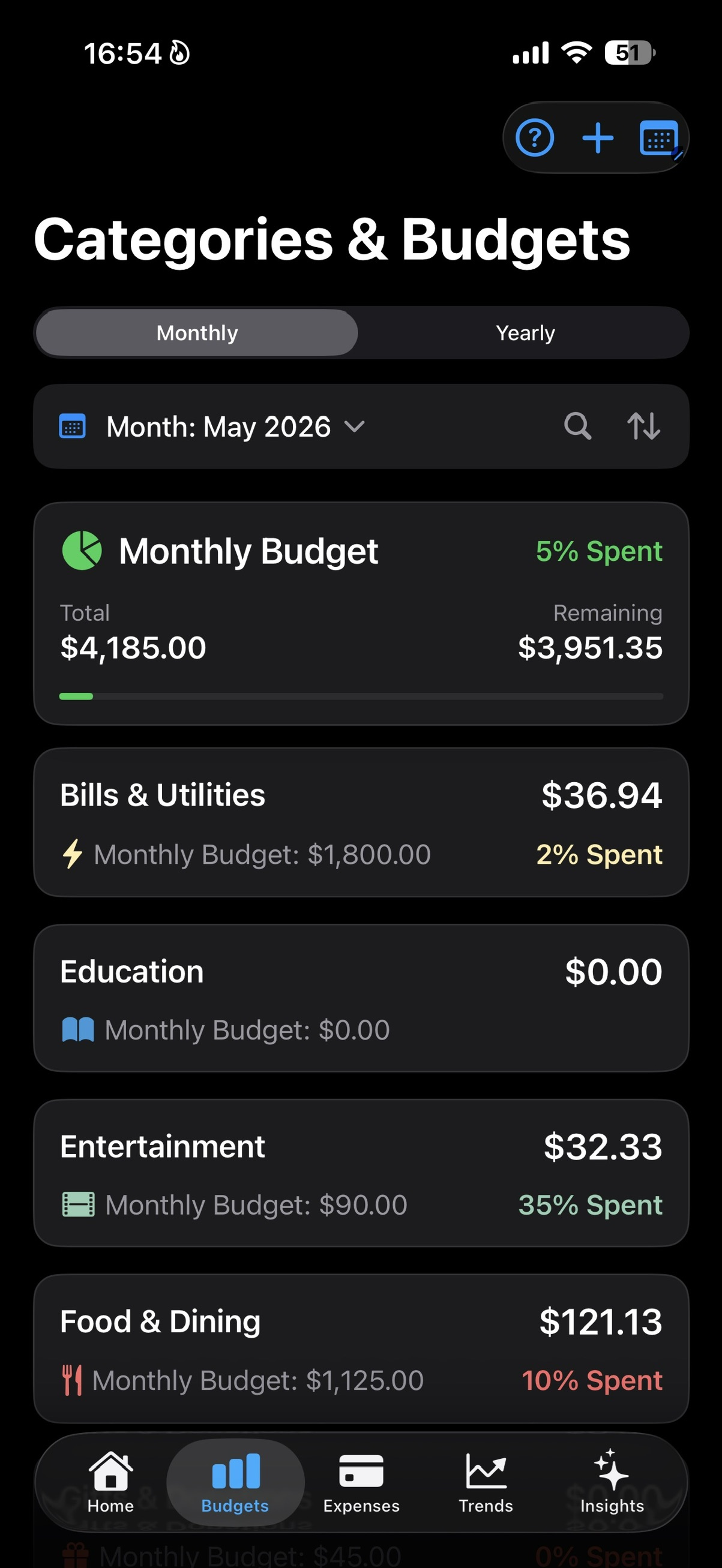
A monthly budget can feel abstract if it is just one big number.
SmartBudget makes it more practical by letting each important category have its own limit. Those category limits add up into the main budget.
Start with one category
If Bills & Utilities has a 200 budget, that 200 becomes part of the main monthly budget.
If Food & Dining has a 600 budget, that 600 is added too. The main budget is the bigger view, built from the smaller places where money actually goes.
Why this is easier to read
A single main budget can tell you that the month is getting tight.
Category budgets tell you where it is getting tight. Food, bills, transport, shopping, or any custom category can show its own pressure before the full month feels messy.
What SmartBudget can show
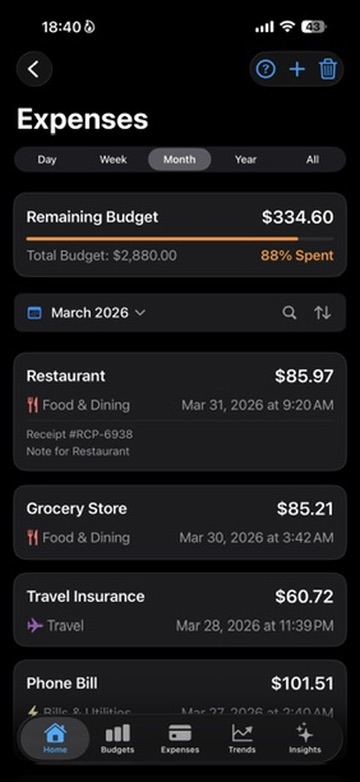
Once budgets are tied to categories, the app can compare real spending with the limit for that part of life.
That is what makes remaining budget, overspend alerts, Trends, and Smart Insights more useful.
- How much was planned for each category.
- How much has already been spent.
- How much remains.
- Which category is pushing the month off track.
Keep the first setup simple
You do not need a budget for everything from day one.
Start with the categories that usually move the month: food, bills, transport, shopping, subscriptions, or whatever matters in your real life.
Related reading
How to Build a Monthly Budget Without Spreadsheets7 Expense Categories People Consistently Underestimate