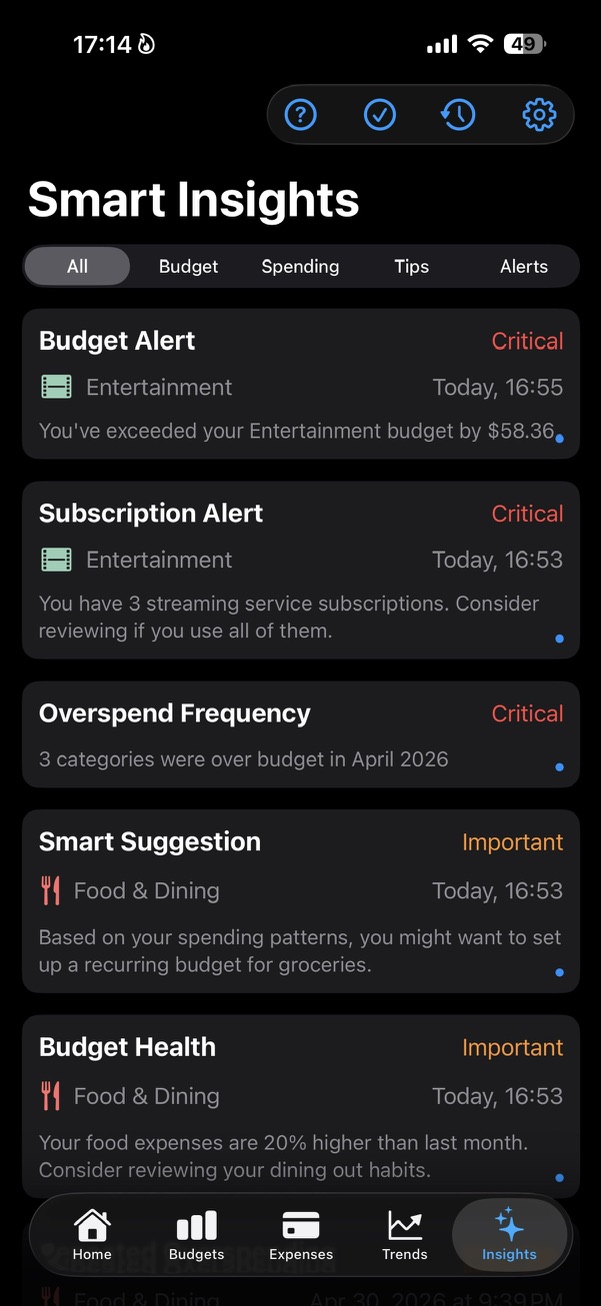
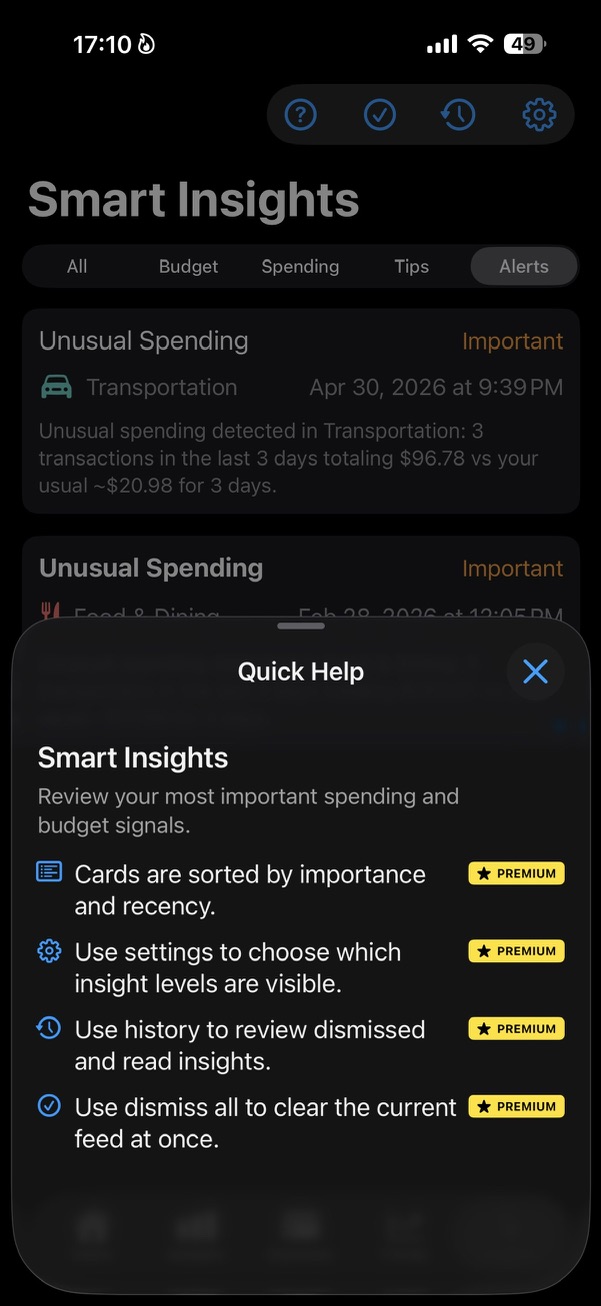
A feed for the signals that matter
Smart Insights is not trying to show every possible observation. The feed is sorted by importance and recency, so urgent budget pressure can appear before softer patterns and tips.
The filters let you focus on Budget, Spending, Tips, or Alerts. Quick Help explains the controls without turning the screen into a manual.
- Critical means something needs attention now.
- Important means the pattern is worth reviewing.
- Informative keeps useful context nearby without making noise.
It compares periods, not just transactions
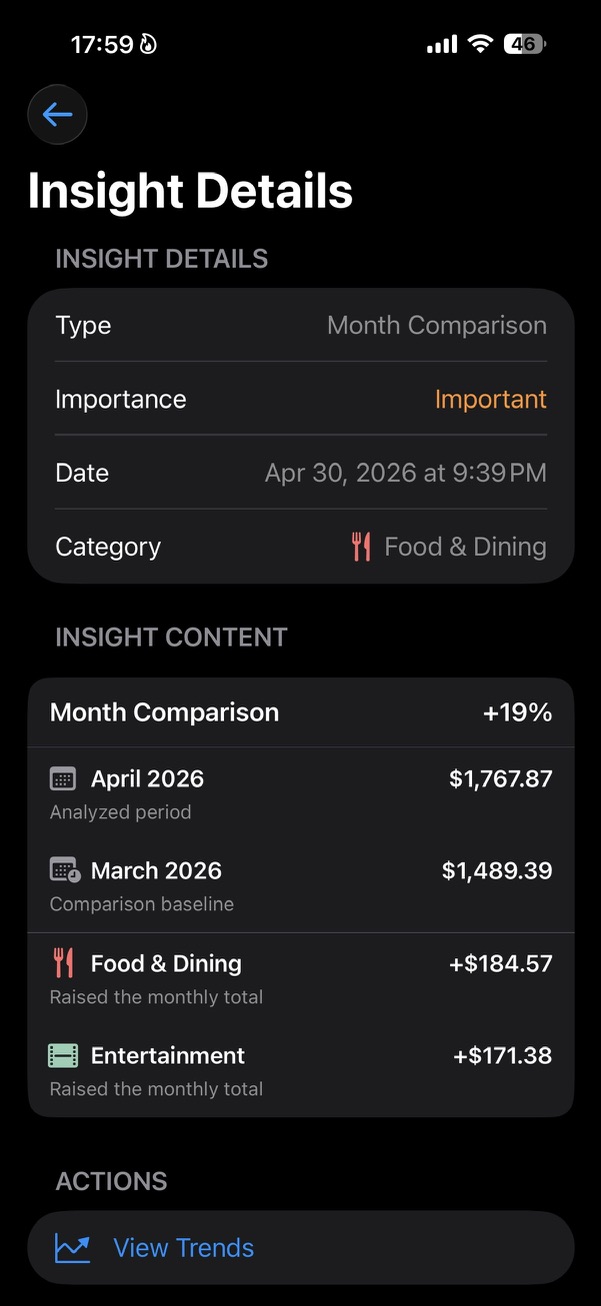
A month comparison looks at the current period against a previous baseline, then shows which categories raised the total.
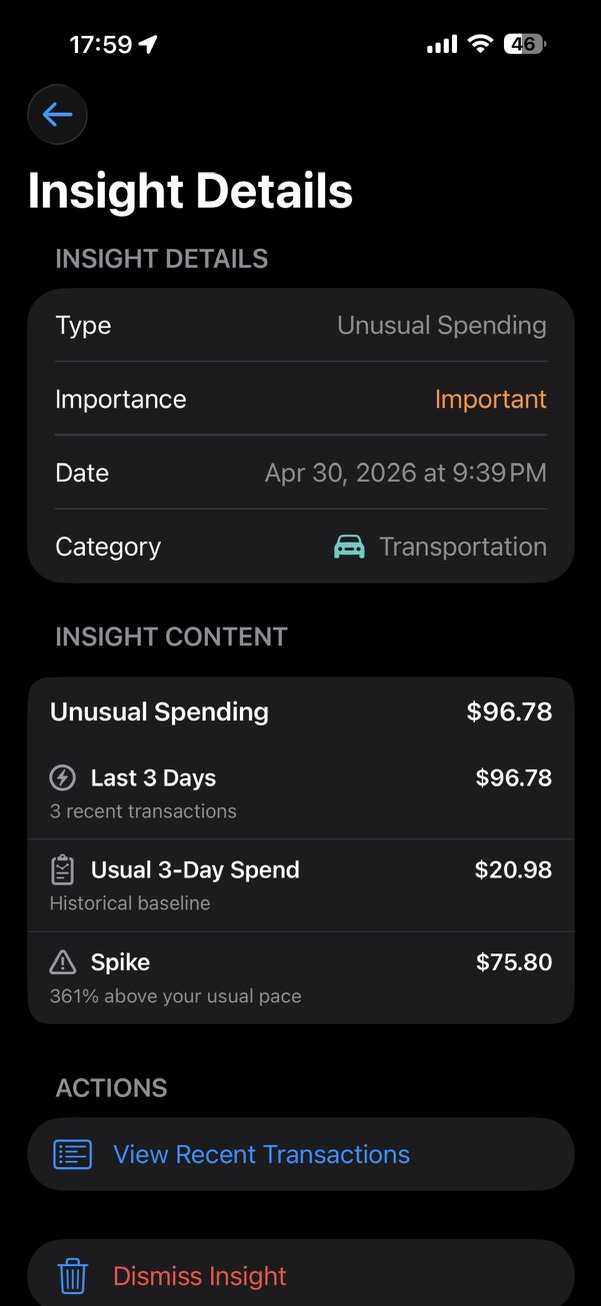
Unusual spending checks recent activity against your usual pace. That is why an insight can say that the last 3 days are much higher than what normally happens in that category.
- Month comparisons explain what changed.
- Unusual spending highlights spikes.
- Recurring and repeated patterns help the app notice what keeps coming back.
Budgets turn signals into actions
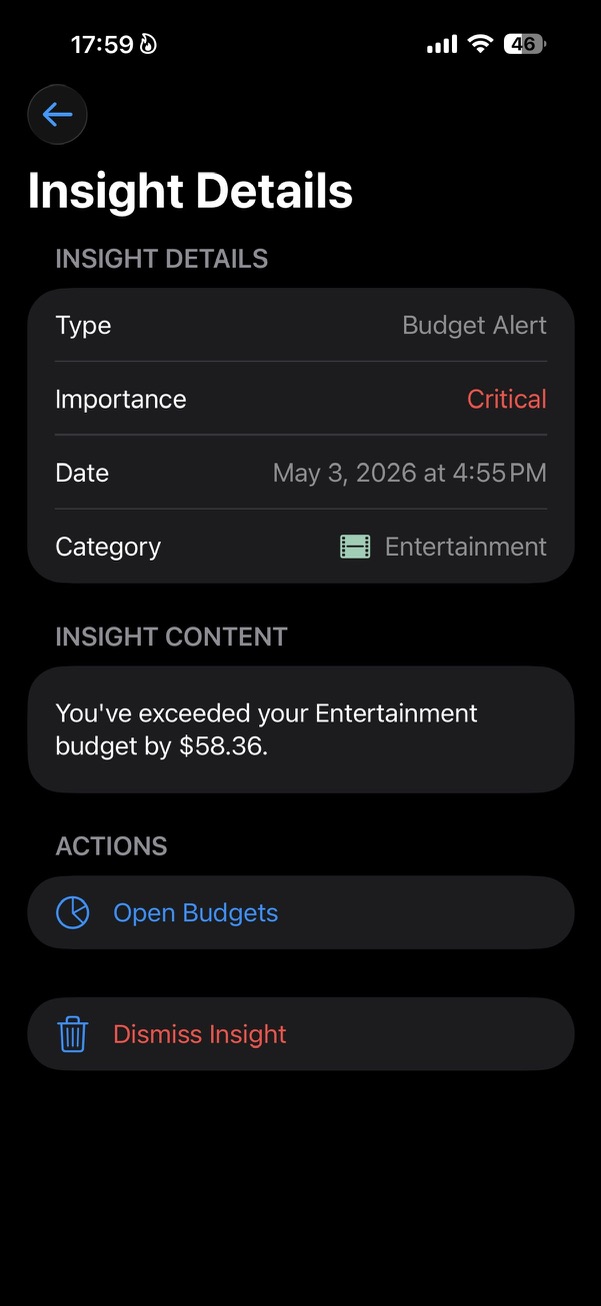
When a category goes over budget, SmartBudget can raise the signal from useful to critical. If the month is not over yet, warnings and projections can help you adjust earlier.
Each insight points somewhere practical: open Budgets, view Trends, review recent transactions, or dismiss the card when you are done.
- Budget pressure comes from category budgets.
- Actions connect the insight to the screen where you can understand it.
- Dismissed insights can be reviewed later from history.
Related reading
Why Most Budgeting Apps Become Too ComplicatedHow to See Where Your Money Actually Goes Every Month