01
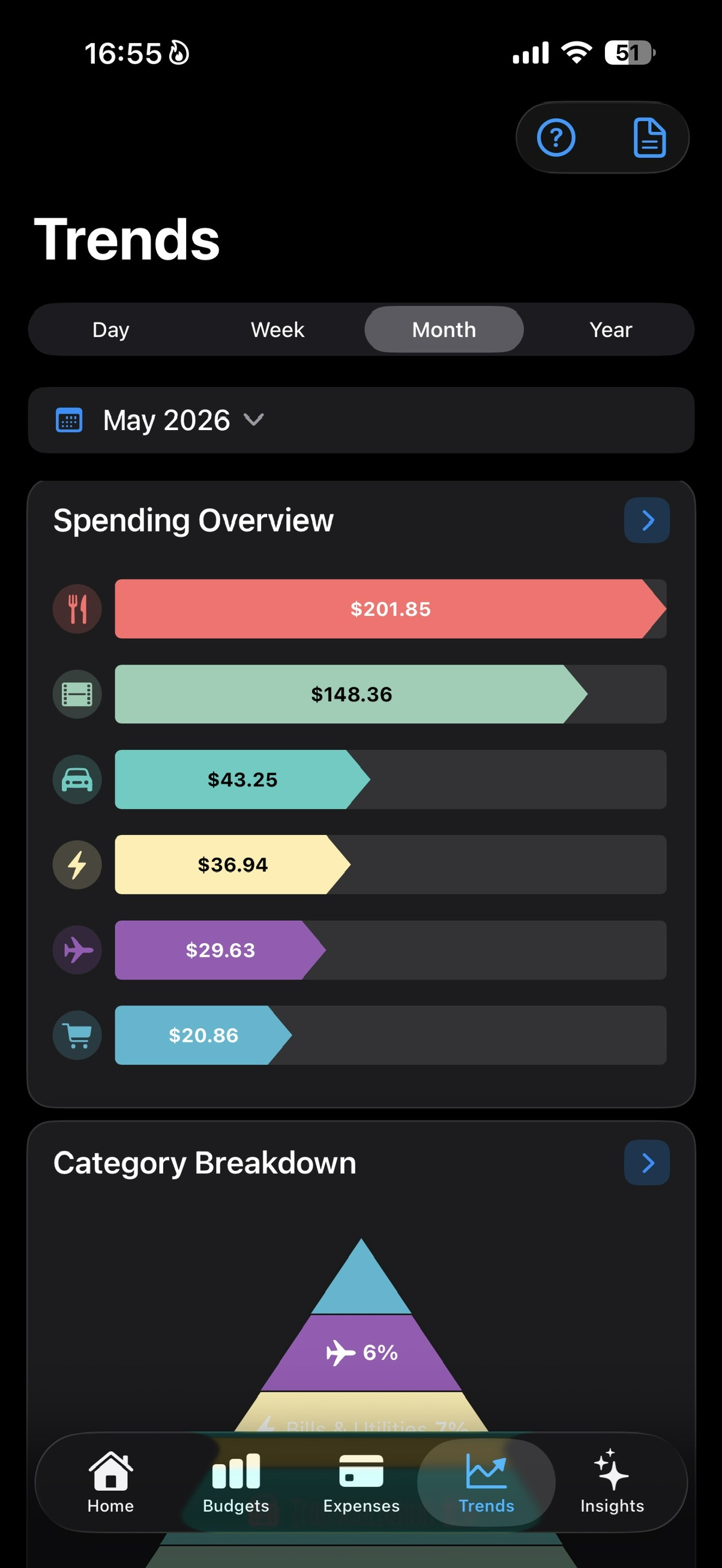
Spending Overview
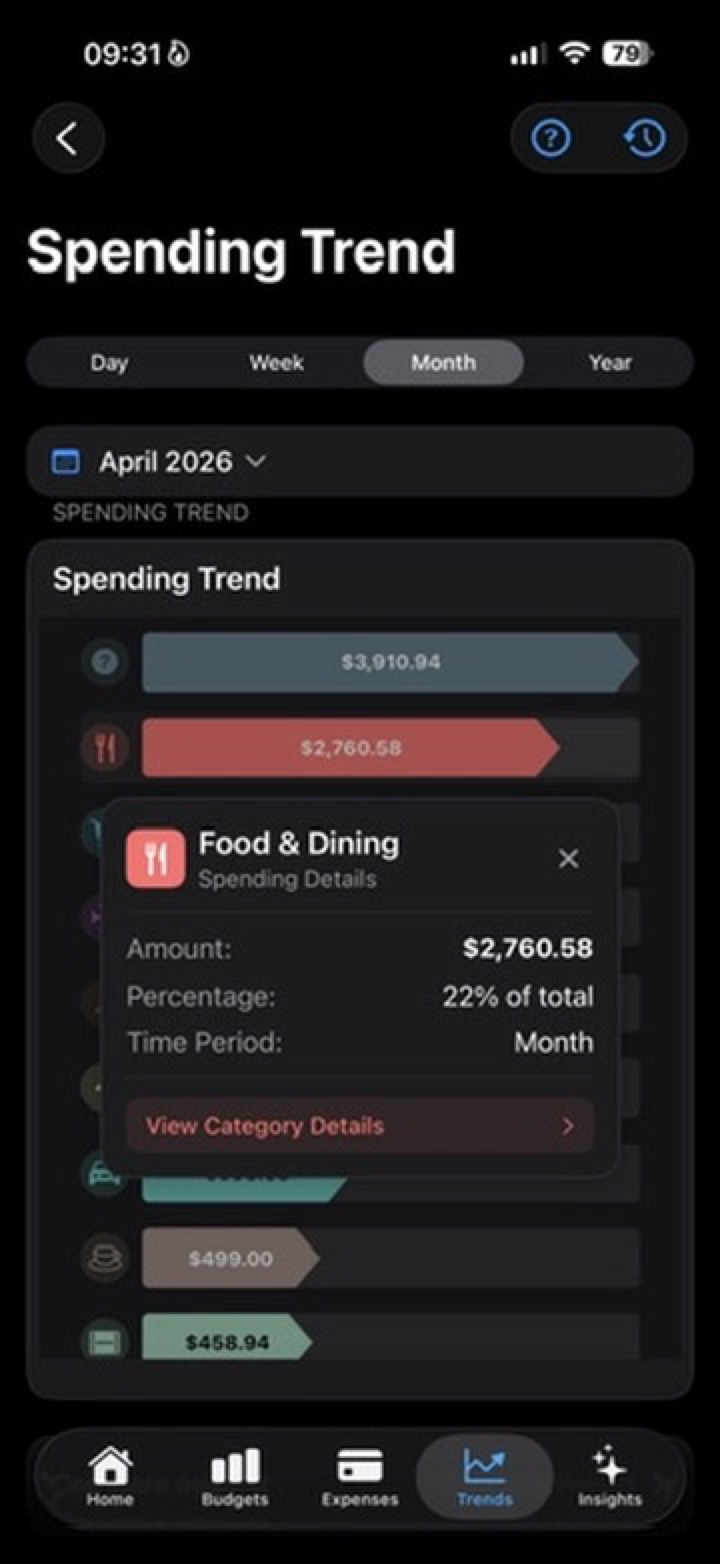
See the strongest spending categories for the selected period, shown as bar-style charts that are easy to scan.
Personal finance for real life
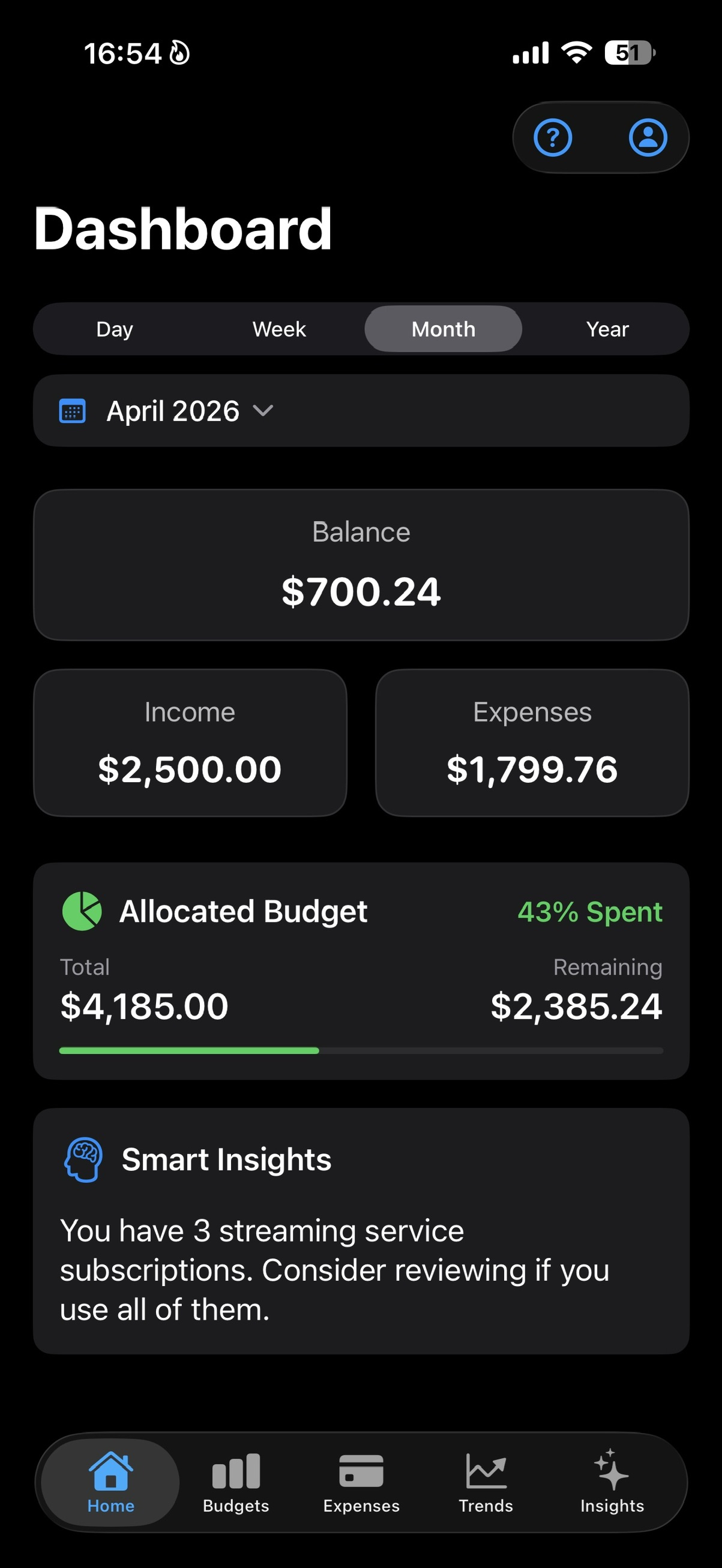
SmartBudget Insights gives your spending a calm place to land. Add expenses, organize them into categories, set budgets, and let clear insights show what deserves attention.
Bring spending in.
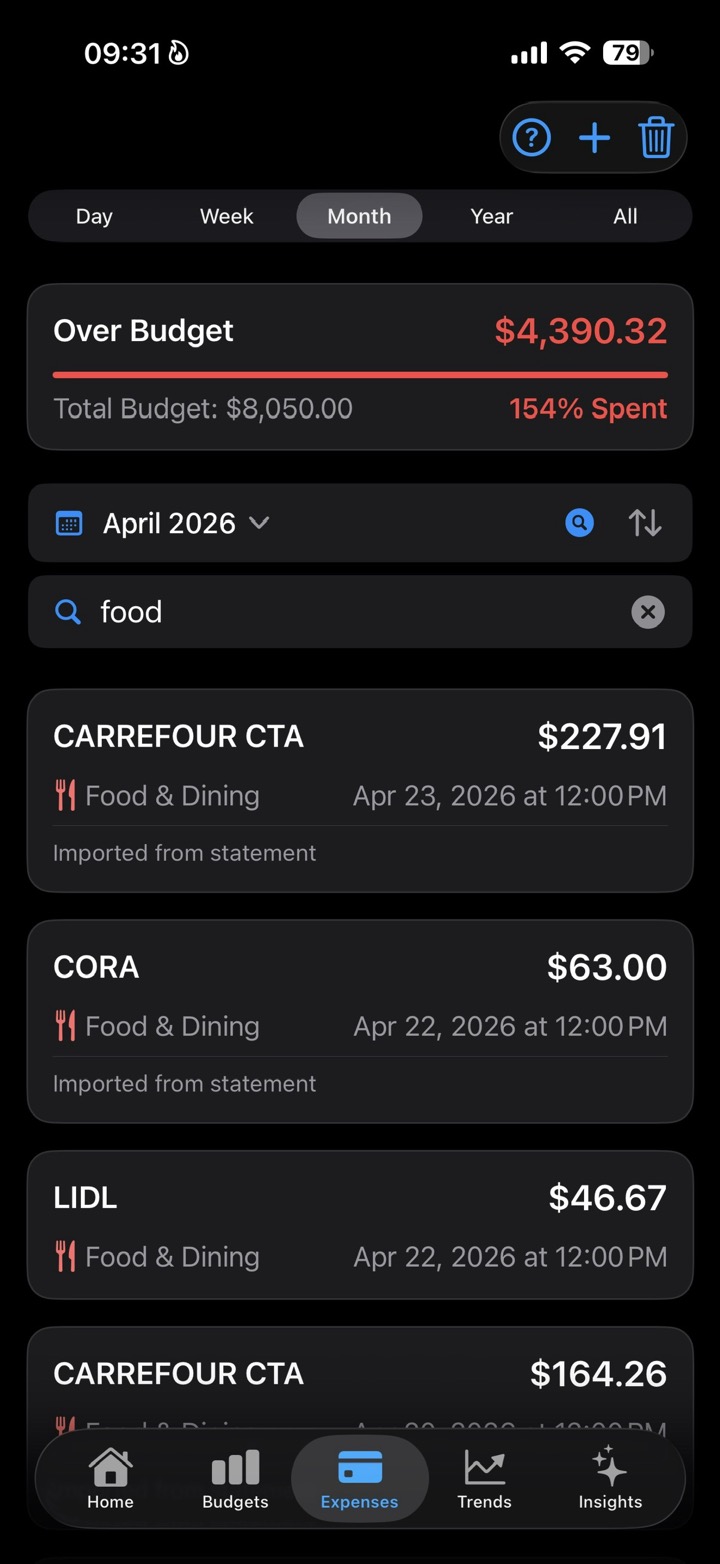
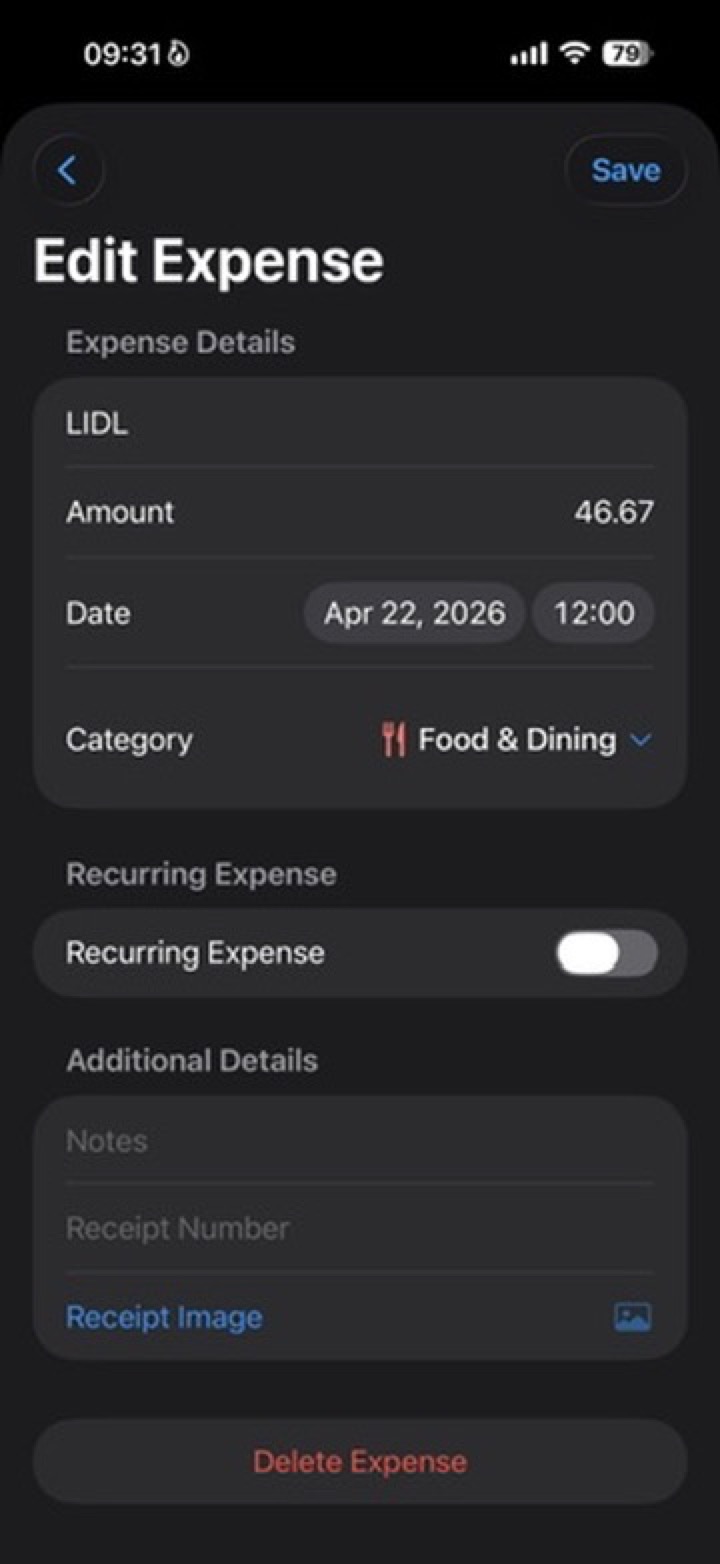
Add expenses in three simple ways:
Then organize spending with categories and budgets.
SmartBudget keeps the process simple: record what happened, place it where it belongs, and understand the shape of your spending before it gets away from you.
Budgets
Create limits for the categories you care about, then see what has been spent, what remains, and where pressure is building. No lectures. Just enough signal to adjust early.
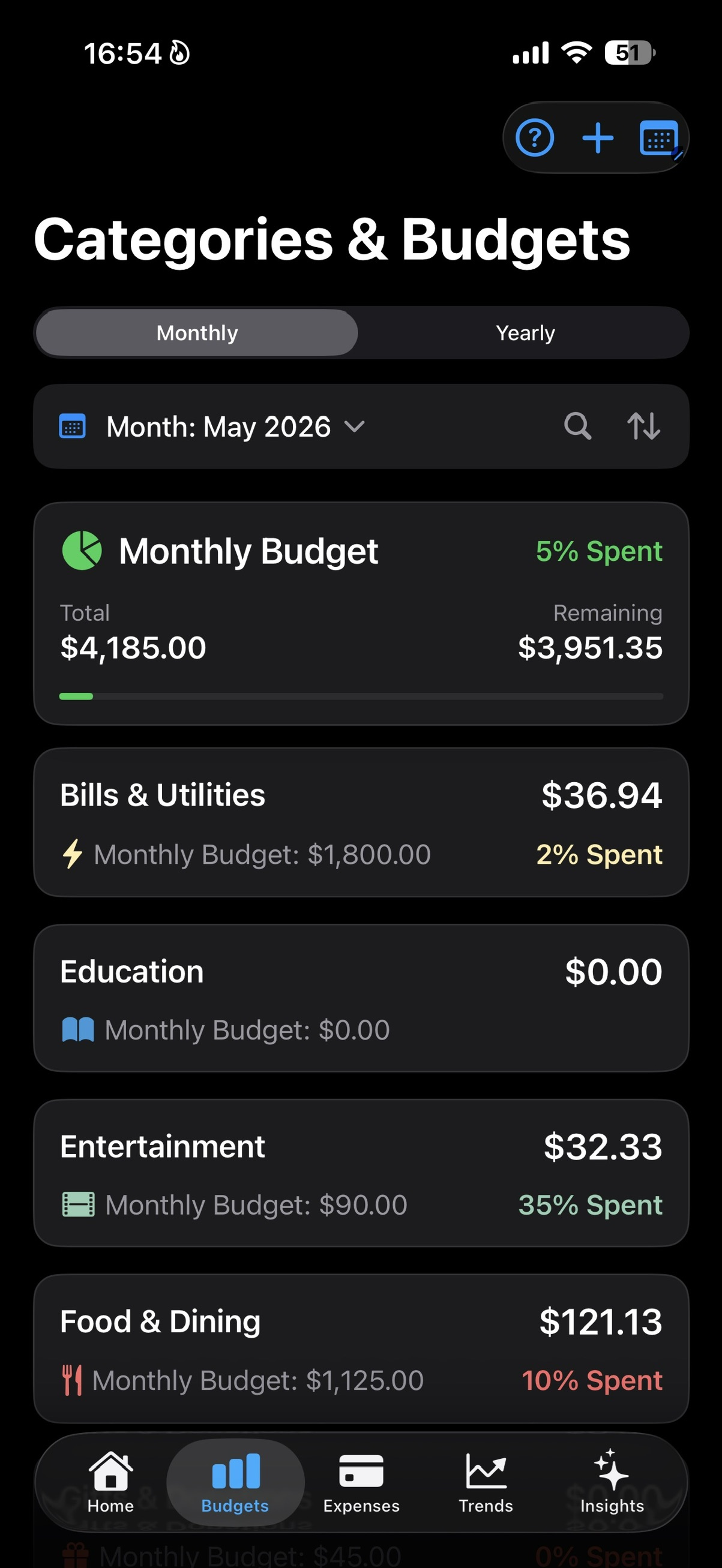
A quick read on the month, without digging through every transaction.
Trends
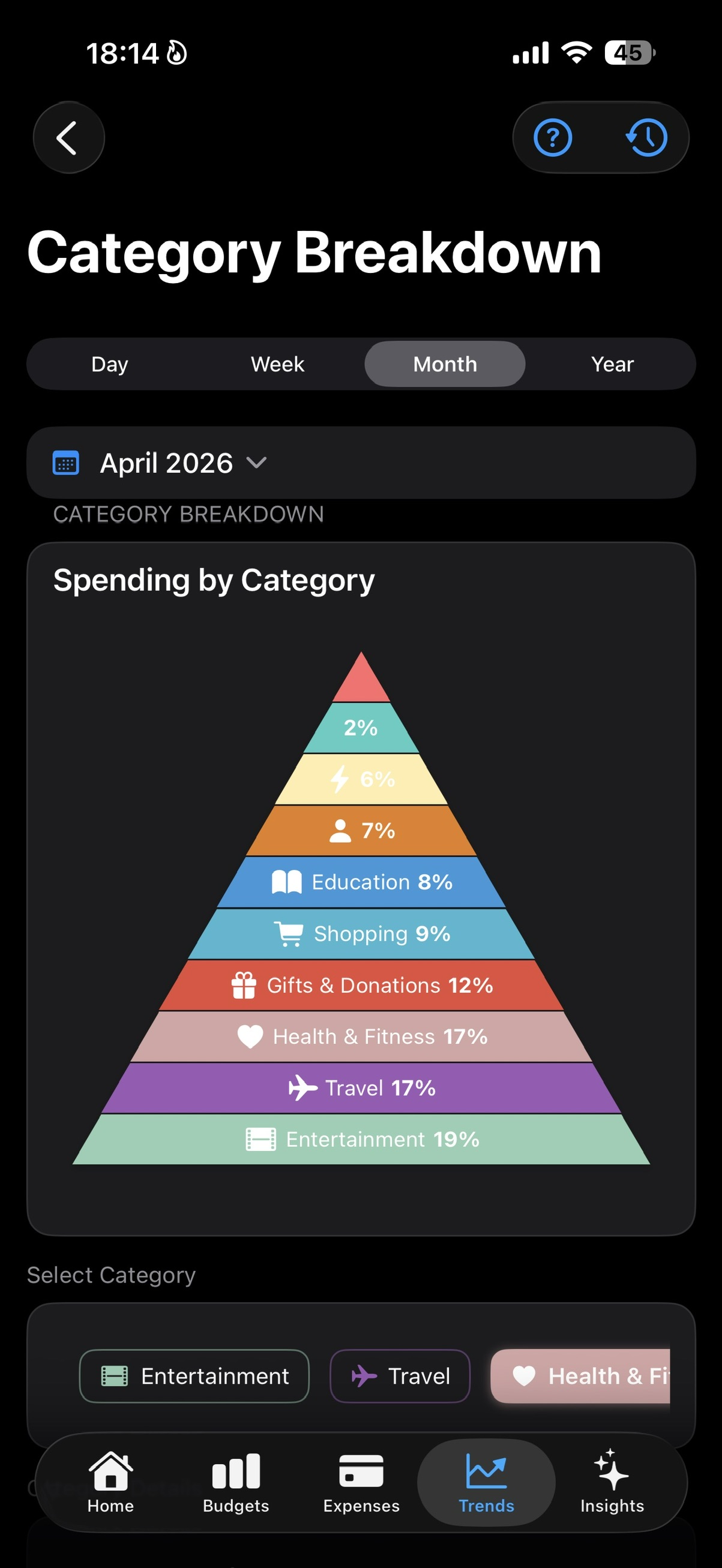
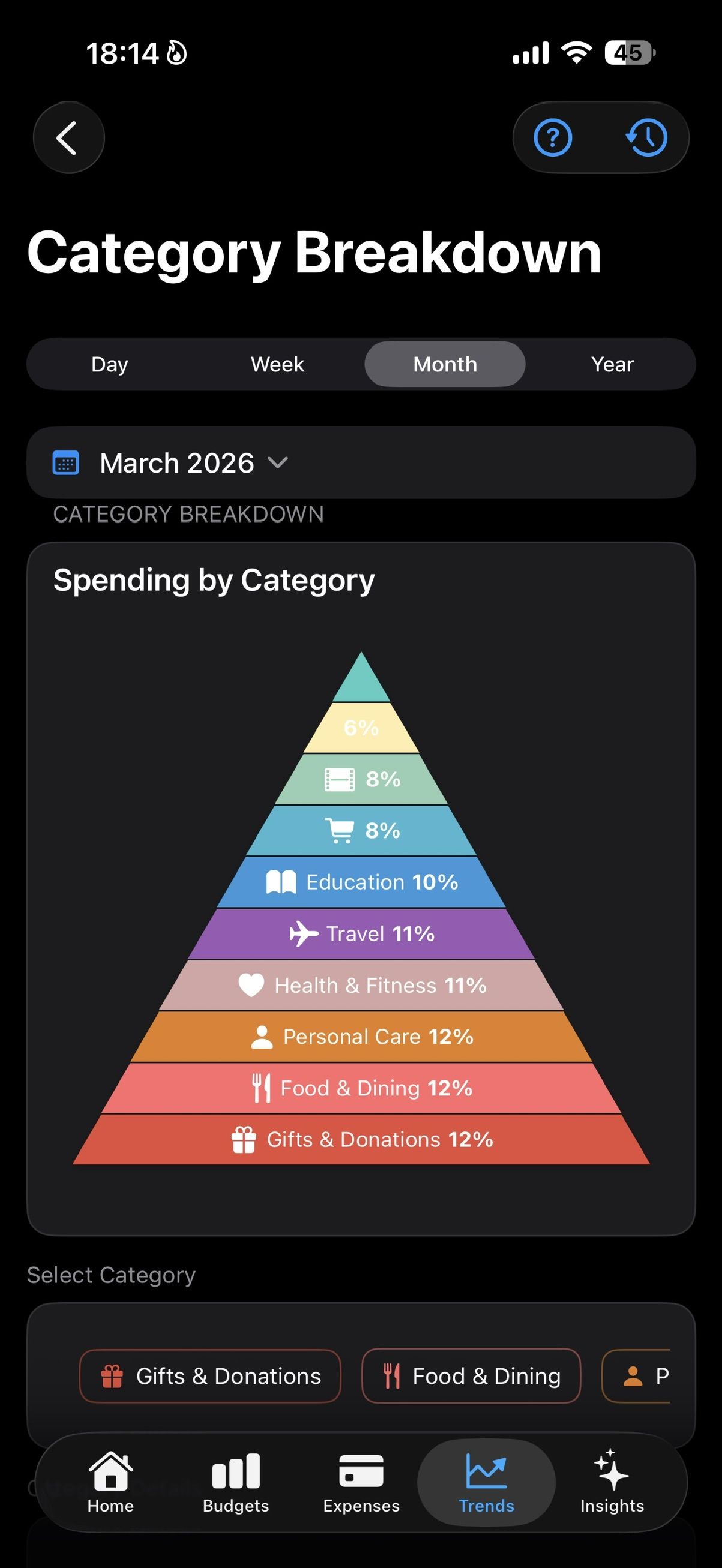
Trends has two layers: Spending Overview shows where most money went, while Category Breakdown shows each category's share of the selected period.
Together, they turn a long list of expenses into a simple view of what drove your spending.
See the strongest spending categories for the selected period, shown as bar-style charts that are easy to scan.
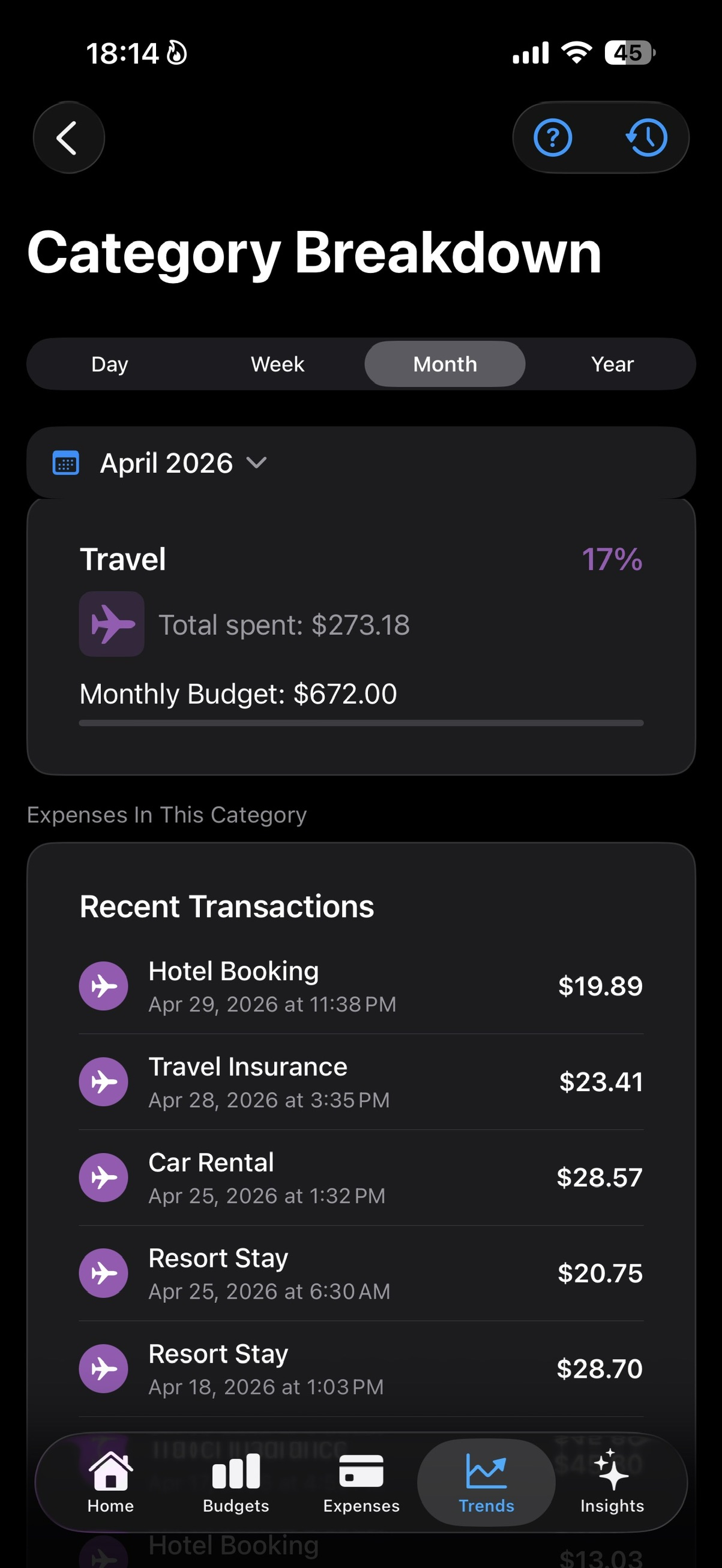
Tap a category to see the transactions, budget context, and category-specific insights behind it.
Smart Insights
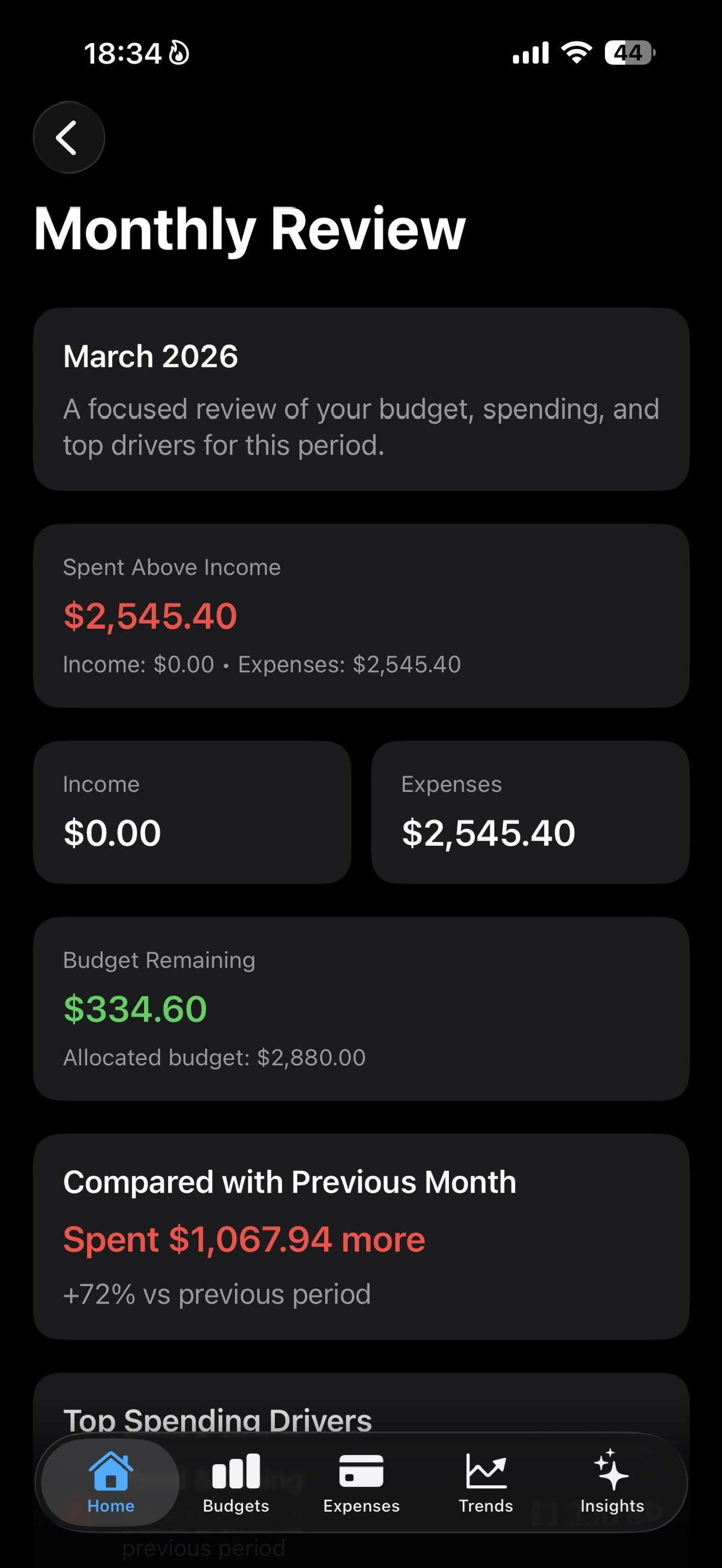
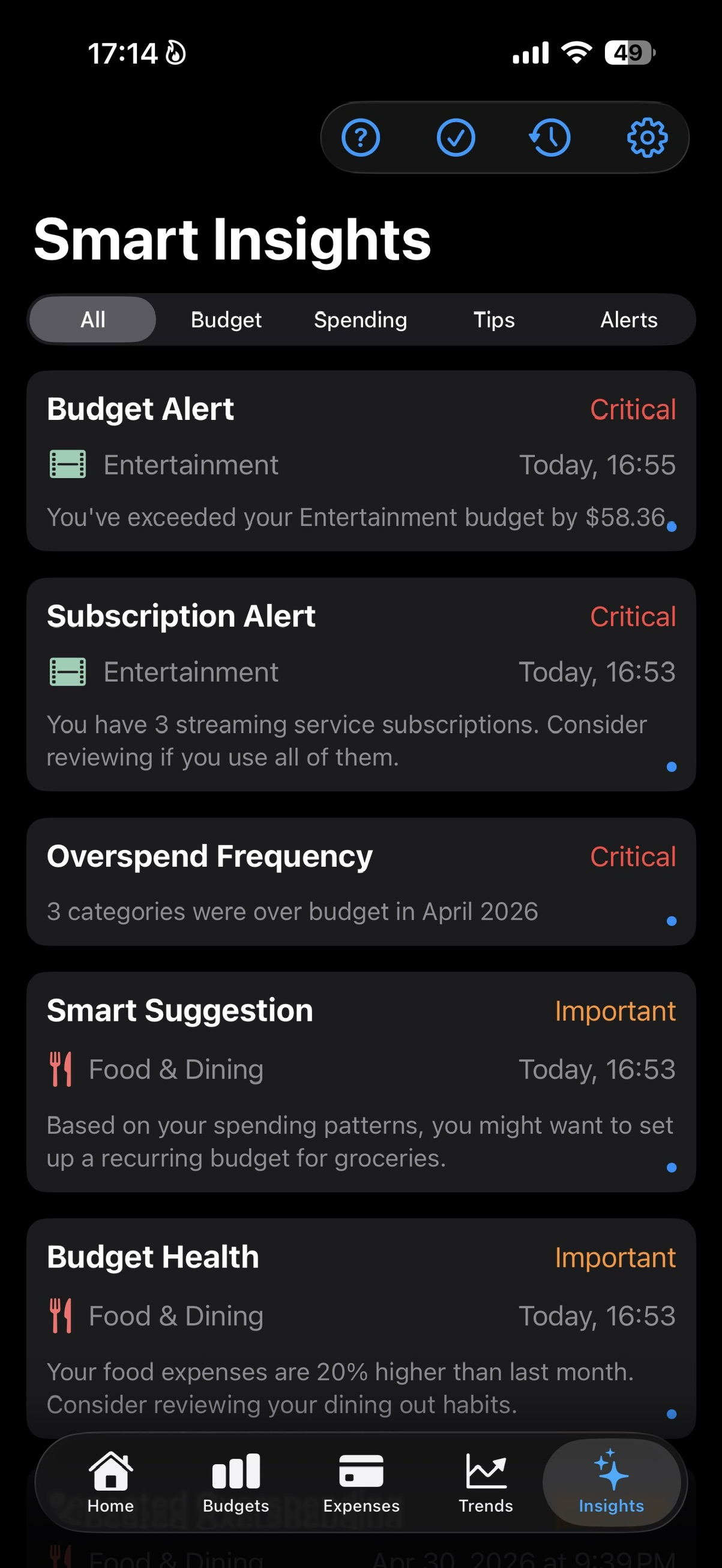
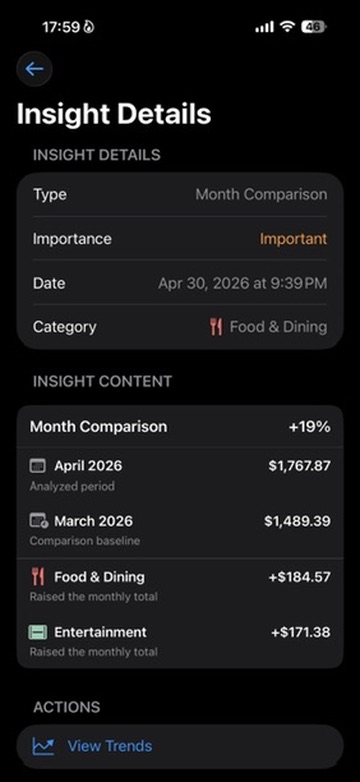
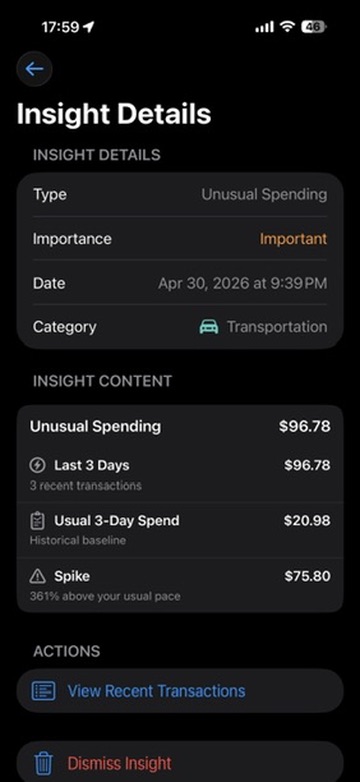
Smart Insights watches for the moments that deserve attention: overspending, recurring payments, unusual spending, repeated overspending, and month comparisons.
Each insight explains what changed, why it matters, and where to go next, so you can act without digging through every transaction.
What Smart Insights actually notices.How SmartBudget Insights helps you notice recurring payments.
Apple Pay guide
Set up the Apple Pay automation from Profile, and SmartBudget can help capture many Wallet card payments as they happen. iOS Shortcuts automation behavior can depend on device state and Wallet timing, so the app stays honest: automation helps reduce manual entry, but you remain in control.
Premium
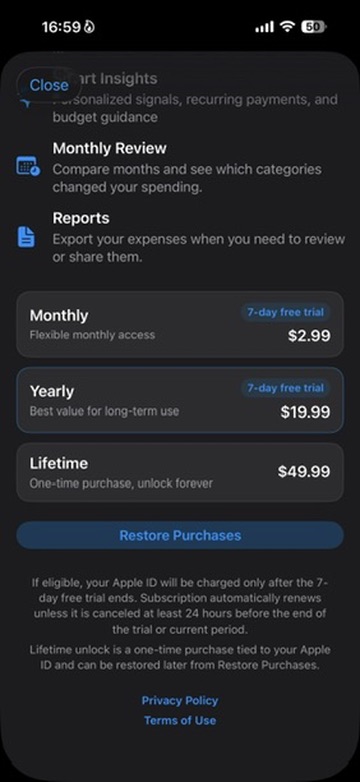
Premium is for people who want SmartBudget to go beyond tracking. It adds the budget pressure, category detail, insight feed, monthly review, and reports that make spending easier to understand over time.
Trust and privacy
Your data stays on your device unless you choose to export, share, or import files.
Add expenses yourself, import bank statements, or set up Shortcuts automation for supported Apple Pay flows.
SmartBudget focuses on category budgets, trends, and insights. It does not require bank credentials to be useful.
Quick questions
No. SmartBudget Insights does not ask for bank login credentials. You can add expenses manually, import statement files, or use supported Apple Pay Shortcuts workflows.
Yes. The app is built around expenses, categories, budgets, Trends, and monthly review, so you can understand spending without maintaining a separate spreadsheet.
SmartBudget can help capture many Wallet card payments through an iOS Shortcuts automation. The setup is optional and stays under your control.
Yes. SmartBudget Insights is available for iPhone, iPad, and newer Macs through the App Store.
Start with the next expense. SmartBudget will help the month make sense.