Subscriptions, delivery memberships, cloud storage, apps, and other monthly services can feel harmless one by one. The problem is that they repeat.
In SmartBudget Insights, any expense can be marked as recurring. The app can also notice recurring patterns on its own, even when a payment was not marked manually.
Mark the payments you already recognize
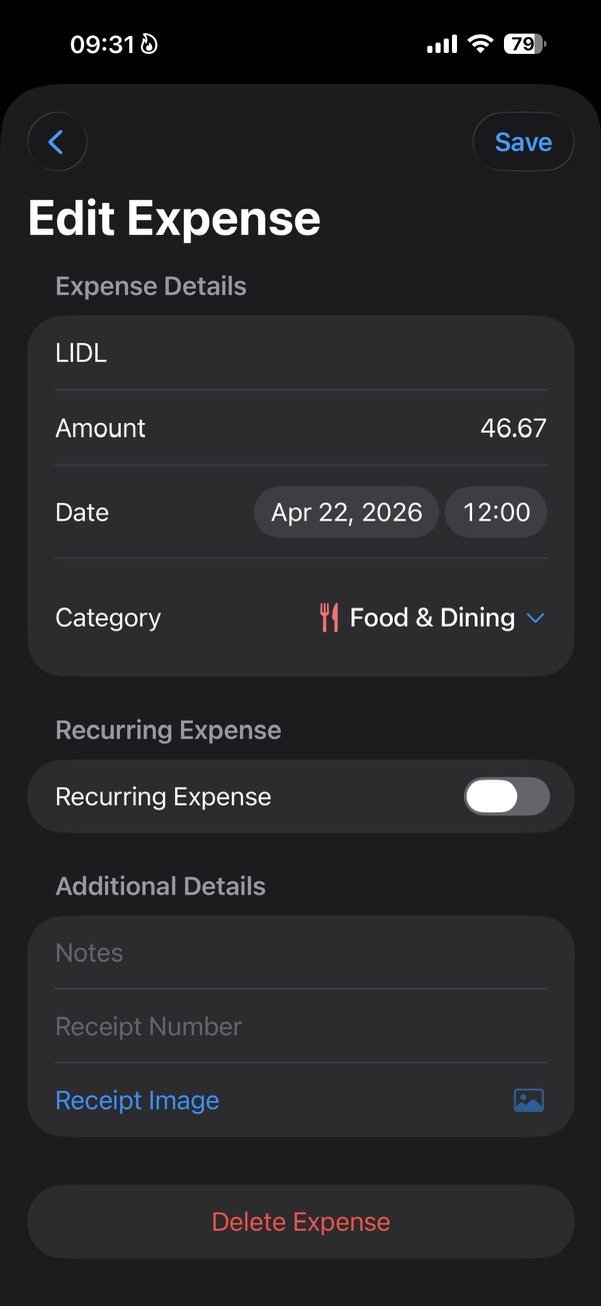
When you edit an expense, the Recurring Expense switch lets you mark it as something that should come back.
That keeps familiar monthly payments from hiding inside the normal expense list.
Let Smart Insights notice patterns too
Some recurring payments are obvious. Others are easy to miss because the amount is small, the name changes slightly, or the charge appears only once a month.
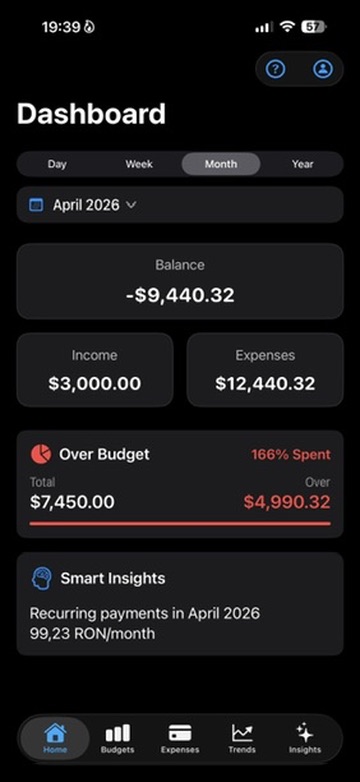
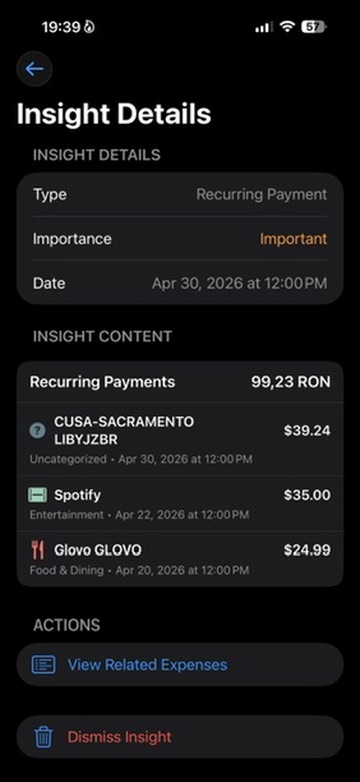
Smart Insights can surface recurring payments and show the monthly total, so the pattern is visible without turning the app into a subscription spreadsheet.
Review before you decide
The insight is not there to tell you what to cancel. It gives you the list and the total, then lets you decide whether each service still earns its place.
Sometimes the answer is keep it. Sometimes it is review it. Sometimes it is realizing that you still pay for something you barely use.
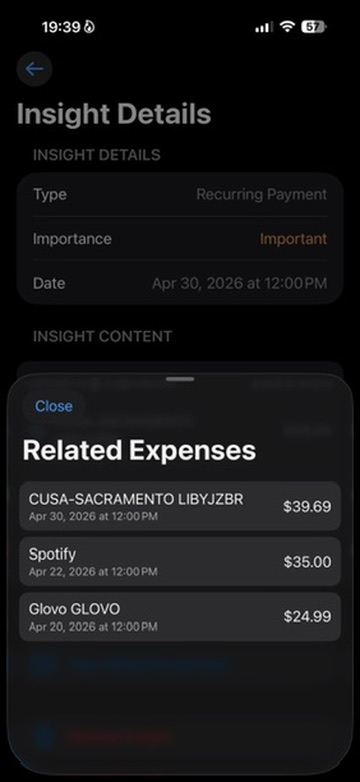
- Open the related expenses.
- Check the total for the month.
- Decide whether the service still makes sense.
Related reading
7 Expense Categories People Consistently UnderestimateWhat Smart Insights actually notices.